
Basic Linux Navigation Guide: Commands for Moving Between Directories
Learn the basic Linux commands for exploring your system, understanding directories, and moving through the terminal with confidence.
Read noteTopic / terminal
Technical notes related to terminal.
01 / notes
Technical notes with examples, code, context, and stable individual URLs.
Learn the basic Linux commands for exploring your system, understanding directories, and moving through the terminal with confidence.
Read note
Regular expressions are a powerful tool for manipulating and searching text in the Linux terminal. With commands such as mv, cp, rm, and ls, you can perform tasks more efficiently.
Read note
Have you ever run a command in the terminal and then wished it had not been saved in your history? As a Linux system administrator, keeping certain commands out of the history can be important for security and privacy.
Read note
Do you know how Linux experts quickly find the information they need in overwhelming text files? The answer is simple: the grep command.
Read note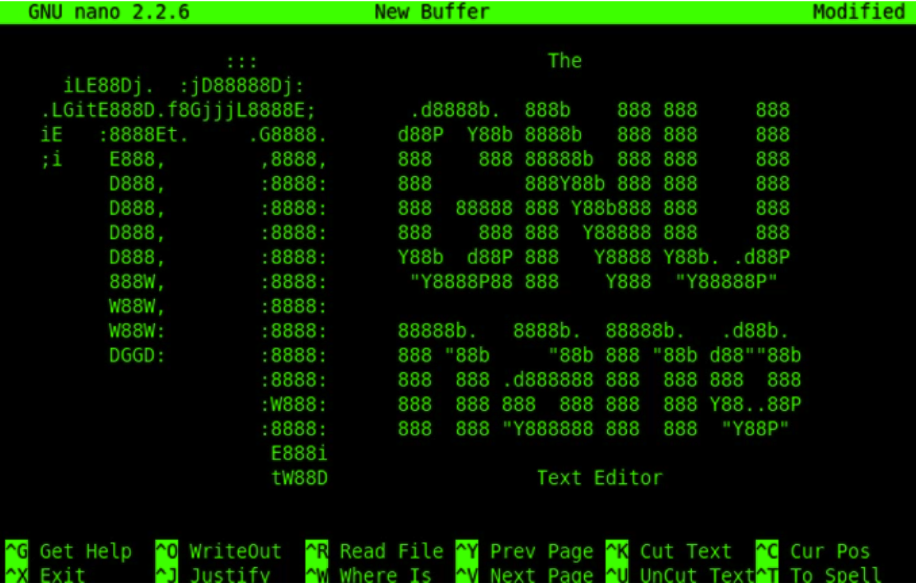
Nano is a very popular text editor in programming and in the Linux world in general. Unlike other text editors, such as Vim or Emacs, Nano is easier to learn and use because of its friendly user interface.
Read note
SSH (Secure Shell) is a network protocol that allows users to connect securely to a remote server through an encrypted connection.
Read note02 / map
A clear structure for finding answers without losing the context.