
Have you ever wondered how to find out which ports are open on your Linux server? You may need this information to secure your server, troubleshoot connectivity problems, or simply gain better control over your system. In this article, we will explain step by step how to view open ports on a Linux server using several tools and commands. Let us dive into the world of ports and discover how to control them.
Knowing which ports are open on your Linux server is essential for any sysadmin. Whether you want to strengthen server security or solve network problems, knowing the open ports gives you a clear view of which services are accessible and from where. In this article, we will show you how to use tools such as netstat, ss, lsof, and nmap to list open ports on your system.
What Is a Port and Why Is It Important?
A port is a connection point through which data enters or leaves a system. Ports are crucial for network communication because they allow services and applications to interact with one another. Knowing which ports are open on your server helps you:
-
Identify active services.
-
Detect potential vulnerabilities.
-
Manage and optimize network traffic.
Tools and Commands for Viewing Open Ports
1. Using netstat
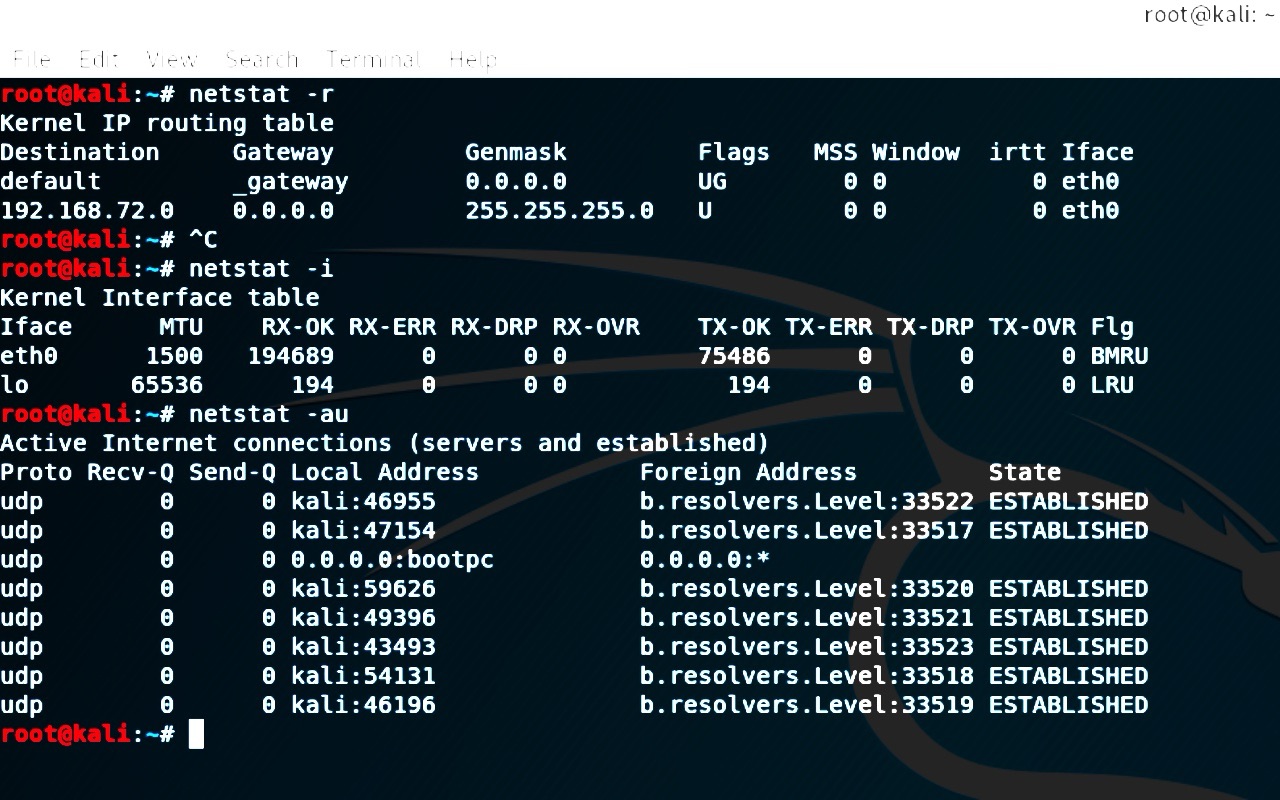
The netstat command is a powerful tool for displaying information about network connections, routing tables, and more. Here is how to use it to view open ports:
netstat -tulnOption explanation:
-
-t: Shows TCP connections. -
-u: Shows UDP connections. -
-l: Shows ports in the listening state. -
-n: Shows numeric addresses instead of resolving host names.
Example output:
Proto Recv-Q Send-Q Local Address           Foreign Address         State
tcp        0      0 0.0.0.0:22              0.0.0.0:*               LISTEN
tcp6       0      0 :::80                   :::*                    LISTEN
udp        0      0 0.0.0.0:123             0.0.0.0:*
2. Using ss
The ss command is a modern and efficient alternative to netstat. It is especially useful on newer systems:
ss -tulnThe options are the same as for netstat, and the output is similar, providing detailed information about open ports and listening services.
3. Using lsof
lsof is another useful tool that lists all open files, including network sockets:
sudo lsof -i -P -nOption explanation:
-
-i: Shows network information. -
-P: Shows port numbers instead of resolving names. -
-n: Shows numeric IP addresses.
Example output:
COMMAND   PID USER   FD   TYPE DEVICE SIZE/OFF NODE NAME
sshd      1234 root    3u  IPv4  12345      0t0  TCP *:22 (LISTEN)
apache2   5678 www    4u  IPv6  67890      0t0  TCP *:80 (LISTEN)
4. Using nmap
nmap is a powerful tool for scanning ports and getting a detailed view of your network. To scan open ports on your own machine:
sudo nmap -sT -O localhostOption explanation:
-
-sT: Performs a TCP port scan. -
-O: Attempts to detect the host operating system.
Example output:
Starting Nmap 7.91 ( https://nmap.org ) at 2024-06-23 10:00 UTC
Nmap scan report for localhost (127.0.0.1)
Host is up (0.000024s latency).
Not shown: 995 closed ports
PORT     STATE SERVICE
22/tcp   open  ssh
80/tcp   open  http
123/tcp  open  ntp
Conclusion
Knowing which ports are open on your Linux server is an essential skill for any sysadmin. Whether you use netstat, ss, lsof, or nmap, each tool offers a unique and detailed view of the ports and services on your system. With this knowledge, you can better monitor and manage your server’s security and performance. Start exploring and keep your system secure.
Do you still have questions? Leave a comment and we will be happy to help.