
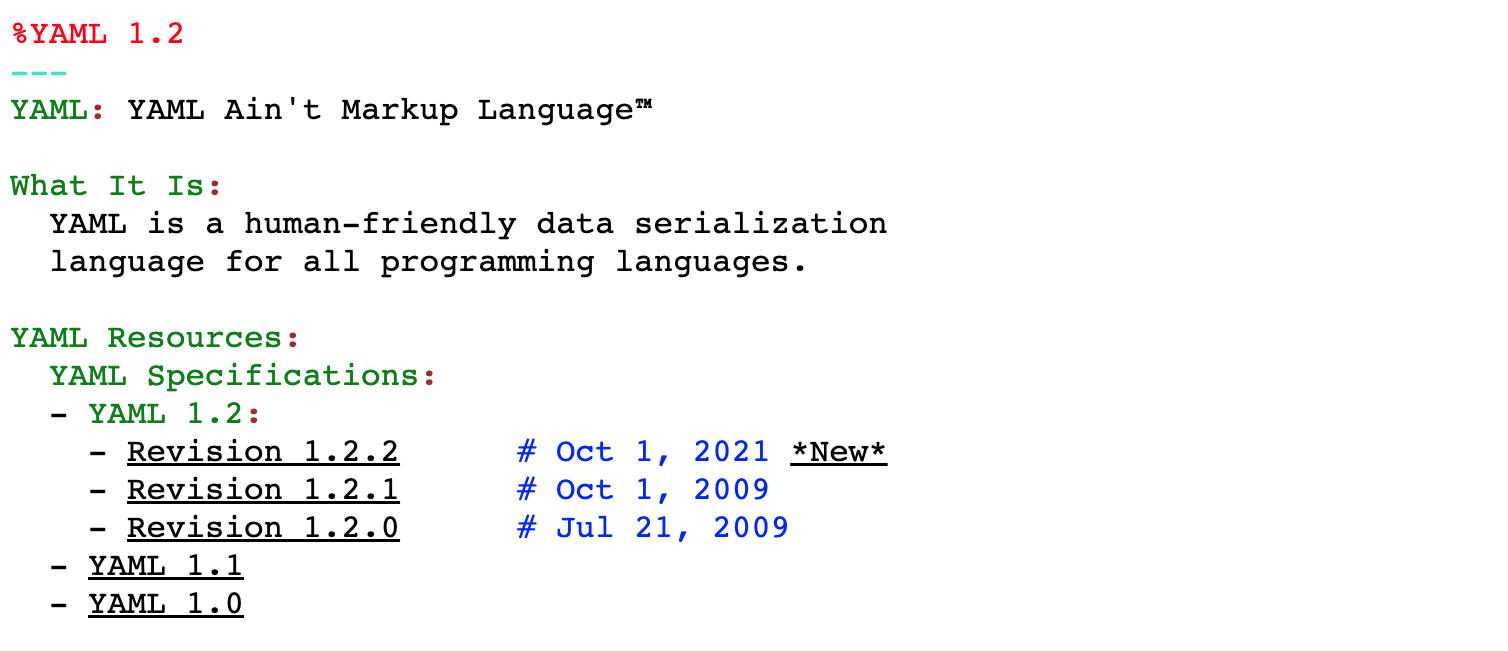
Within the Docker Compose toolkit, the YAML file is the language that brings your configurations to life. YAML, which stands for “YAML Ain’t Markup Language” or simply “Yet Another Markup Language”, is a data serialization format known for its readability and simplicity. In the context of Docker Compose, it is the perfect tool for describing service configuration in a structured way.
What Is YAML?
YAML relies on indentation and visual clarity to represent information in an easy-to-understand way. It does not use excessive symbols or special characters, making it ideal for describing configurations concisely and readably.
Basic YAML Rules
-
Indentation: Use spaces instead of tabs and keep the same number of spaces in a nested structure.
-
Case Sensitivity: YAML is case-sensitive, so
Nombreandnombreare considered different. -
Lists and Dictionaries: You can use lists (arrays) and dictionaries (key-value pairs) flexibly to define complex structures.
Creating YAML Files: Practical Examples
To illustrate, let us see how to create a simple YAML file for Docker Compose:
version: '3.8'

services:
  web:
    image: nginx:latest
    ports:
      - "8080:80"
  database:
    image: mysql:latest
    volumes:
      - data:/var/lib/mysql

volumes:
  data:
In this example, the lines and indentation are crucial for defining hierarchies and relationships between services, images, and configurations.
In summary, YAML becomes your ally for clearly and concisely describing the rules and configurations your services need in Docker Compose. You are now ready to write your own YAML files and orchestrate containers efficiently.