
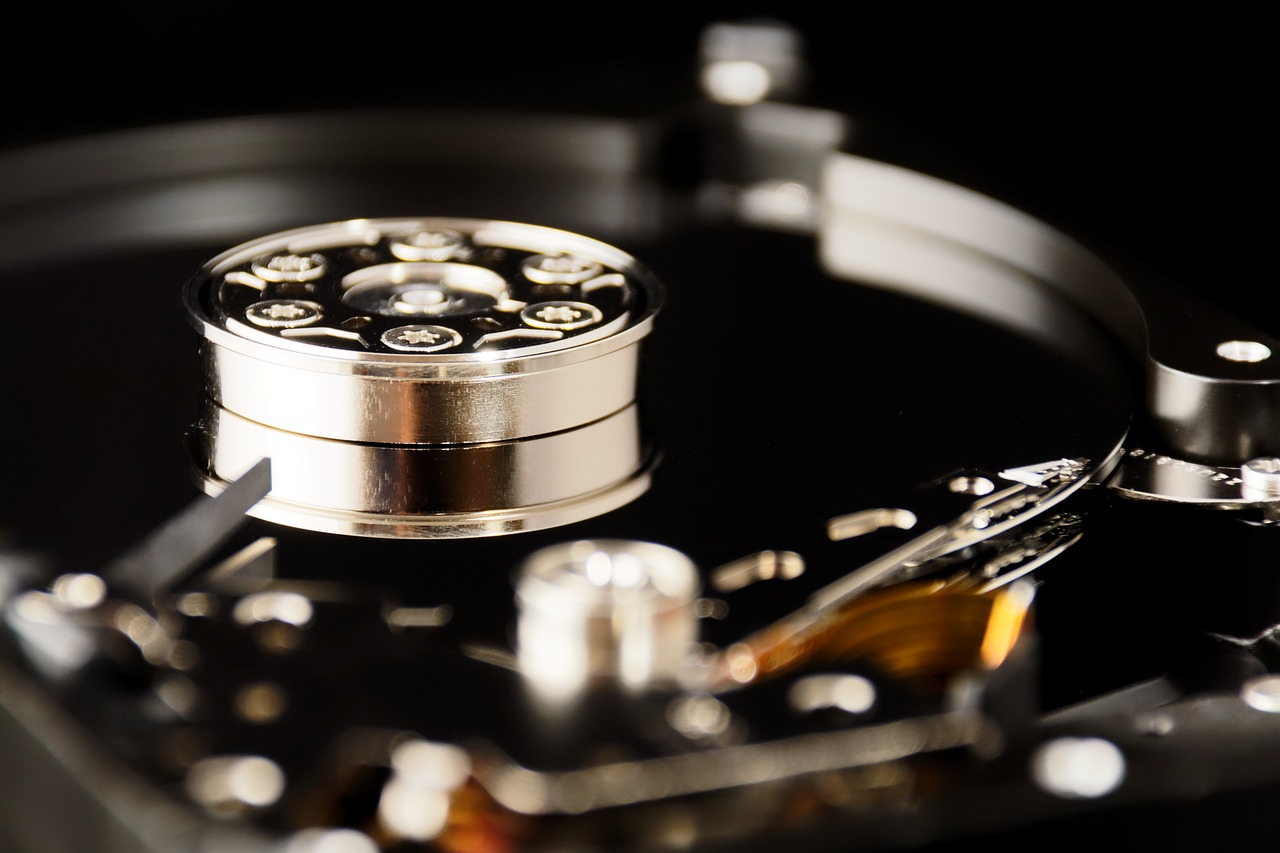
Some time ago, we talked about ZFS and how it can help administrators manage one or more disks. This time, we will discuss LVM, or Logical Volume Management, a technology used to manage and configure data storage on a Linux system. Instead of treating physical storage units as separate disks, LVM allows system administrators to create logical volumes from multiple physical disks. This provides several advantages in terms of flexibility and scalability when using storage.
Advantages of LVM:
-
Flexibility: One of the main advantages of LVM is its flexibility in managing logical volumes. With LVM, system administrators can add, remove, and modify logical volumes without interrupting access to the data stored on them.
-
Storage aggregation: LVM allows system administrators to aggregate storage from several physical disks into a single logical volume. This means that logical volumes can be created that are larger than what would be available on a single physical disk.
-
Online resizing: With LVM, it is possible to adjust the size of logical volumes online, while the system is running and without interrupting access to the data stored on them. This is particularly useful when more storage space is needed without stopping the service running on the system.
-
Data backup and recovery: LVM allows logical volume snapshots to be created, making it easier to recover data in the event of system failures or human errors.
Disadvantages of LVM:
-
Complexity: Using LVM adds an additional layer of complexity to the storage system. System administrators need to become familiar with LVM commands and structure to use it correctly.
-
Performance: Although LVM offers many advantages, it can negatively affect system performance if it is used incorrectly or configured improperly.
-
Hardware failures: If a physical disk that is part of a logical volume fails, the entire logical volume may be affected.
Practical use cases:
- Resize a logical volume: To increase the size of a logical volume called “datos” by 10 GB, you can use the following command:
lvresize -L +10G /dev/mapper/vg-datos- Create a snapshot of a logical volume: To create a snapshot of a logical volume called “datos” and save it to “/backup/datos-snapshot”, you can use the following command:
lvcreate -s -n datos-snapshot -L 1G /dev/mapper/vg-datos dd if=/dev/mapper/vg-datos-snapshot of=/backup/datos-snapshot- Move a logical volume to another physical disk: To move a logical volume called “datos” from one physical disk to another physical disk called “nuevo-disco”, you can use the following command:
pvcreate /dev/sdb1 vgextend vg /dev/sdb1 pvmove /dev/sda- Remove a logical volume: To remove a logical volume called “datos”, you can use the following command:
lvremove /dev/mapper/vg-datos- Create a logical volume: To create a logical volume called “nuevo-volumen” with a size of 100 GB in the volume group called “vg”, you can use the following command:
lvcreate -L 100G -n nuevo-volumen vg- Rename a logical volume: To rename a logical volume called “datos” to “datos-antiguos”, you can use the following command:
lvrename /dev/mapper/vg-datos /dev/mapper/vg-datos-antiguosIn conclusion, LVM is a useful technology for managing data storage on Linux systems. It provides advantages such as flexibility in managing logical volumes, storage aggregation, online resizing, and the creation of logical volume snapshots for backing up and recovering data. However, using it requires a proper understanding of its commands and structure to avoid performance problems or hardware failures. With practice and adequate knowledge, LVM can be a powerful and efficient tool for storage administration.