
Imagine browsing the internet when you suddenly encounter an error message on your screen. It can be frustrating, right? These error messages are part of HTTP status codes, and understanding what they mean can help you solve web problems. In this guide, we will explore everything you need to know about HTTP status codes, from the basics to advanced concepts, with useful examples and tips.
What Are HTTP Status Codes?
HTTP status codes are response codes that a web server sends to the browser after it receives a request. These codes indicate whether the request succeeded, whether an error occurred, or whether additional action is needed. HTTP status codes are essential to communication on the web.
Structure of an HTTP Status Code
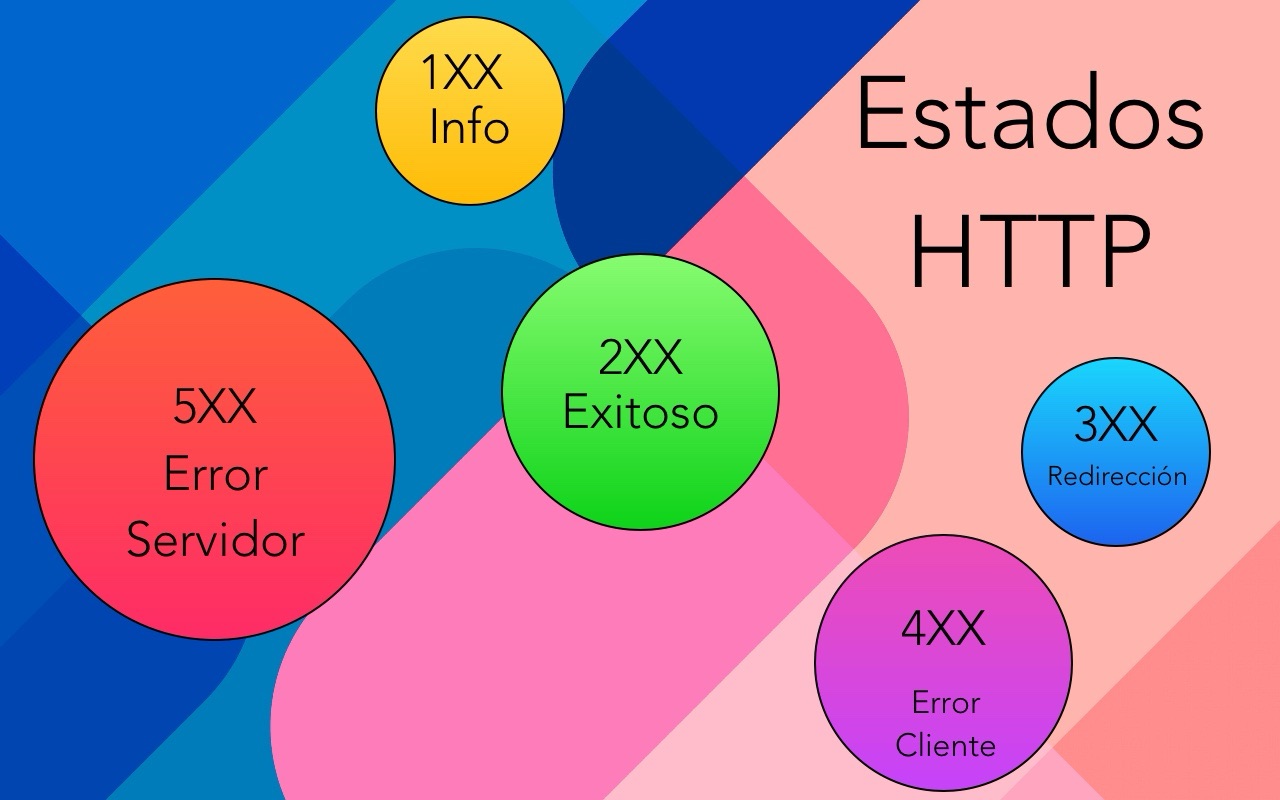
An HTTP status code is a three-digit number. The first digit indicates one of five response categories:
-
1xx: Informational
-
2xx: Success
-
3xx: Redirection
-
4xx: Client error
-
5xx: Server error
Next, we will explore each category with examples.
1xx Status Codes: Informational
100 Continue
This code indicates that the server has received the request headers and that the client should proceed with sending the request body.
Example: When uploading a large file, the server might respond with 100 Continue to tell you to keep sending data.
101 Switching Protocols
The server agrees to switch protocols as requested by the client.
Example: Switching from HTTP to WebSocket for more interactive communication.
2xx Status Codes: Success
200 OK
This is the most common success code. It means that the request succeeded and the server returned the requested information.
Example: Loading a web page successfully.
201 Created
This indicates that the request succeeded and resulted in the creation of a new resource.
Example: Registering a new user on a website.
204 No Content
The request succeeded, but the server does not return any content.
Example: Updating a resource when no response body is needed.
3xx Status Codes: Redirection
301 Moved Permanently
The requested resource has been permanently moved to a new URL.
Example: Redirecting traffic from an old domain to a new one.
302 Found
The requested resource is temporarily available at a different location.
Example: Temporarily redirecting traffic during site maintenance.
304 Not Modified
The resource has not changed since the last request.
Example: Using the browser cache to load a page faster.
4xx Status Codes: Client Error
400 Bad Request
The request is invalid or cannot be processed because of a client error.
Example: Sending a malformed request to the server.
401 Unauthorized
Authentication is required and has failed or has not yet been provided.
Example: Trying to access a page without signing in.
403 Forbidden
The server understands the request but refuses to authorize it.
Example: Trying to access a restricted section of a website.
404 Not Found
The requested resource is not available on the server.
Example: Trying to access a page that does not exist.
408 Request Timeout
The server timed out while waiting for the request.
Example: When a slow internet connection causes the request to expire.
5xx Status Codes: Server Error
500 Internal Server Error
The server encountered a situation it does not know how to handle.
Example: An error in server-side code prevents the request from being processed.
502 Bad Gateway
The server, acting as a gateway or proxy, received an invalid response from an upstream server.
Example: Communication problems between servers.
503 Service Unavailable
The server is temporarily unavailable, usually because of maintenance or overload.
Example: A website is undergoing scheduled maintenance.
504 Gateway Timeout
The server, acting as a gateway or proxy, did not receive a timely response from an upstream server.
Example: When an upstream server takes too long to respond.
Tips for Handling HTTP Status Codes
-
Check the Code: Always check the status code in HTTP responses to understand what is happening.
-
Use Developer Tools: Browser developer tools can help you diagnose problems related to status codes.
-
Implement Redirects Correctly: Make sure you use the appropriate redirect codes to preserve your site’s SEO.
Conclusion
Understanding HTTP status codes is essential for anyone working with web technologies. These codes not only help you diagnose and solve problems, but also improve the user experience on the web. From basic success responses to complex server errors, every HTTP status code has its own meaning and use. Now that you know the details, you can browse and build for the web with greater confidence and efficiency.
I hope this guide has been useful and that you now have a clearer understanding of HTTP status codes. Do you have a question or experience you would like to share? Leave a comment!